Every feature, end to end.
A tour of the CleverIQ platform for learners, facilitators, and the teams investing in the future of work. Real product. Real screens.
Built for the learner who wants to actually know it.
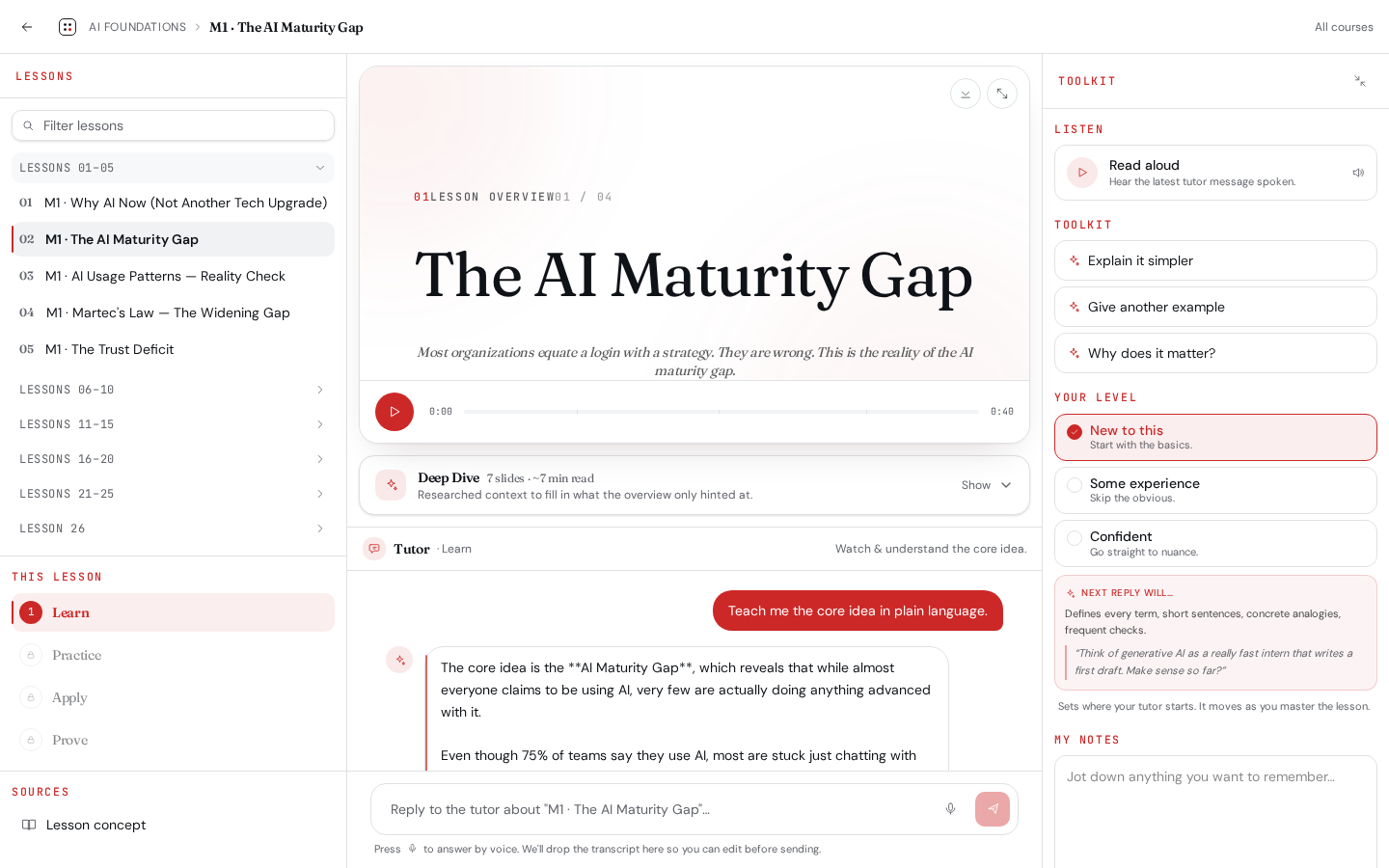
One workspace. Every stage of mastery.
A three-pane workspace pairs a focused sources rail, a grounded AI Coach, and a learner toolkit. Stages — Learn, Practice, Apply, Prove — gate progress so nobody skims to the certificate.
- Sources rail collapses lessons into chunks of five
- Stage stepper enforces Learn → Practice → Apply → Prove
- Toolkit pane: notes, level tuner, quick actions, listen-back
A two-minute video for every lesson.
We pre-generate a NotebookLM-style storyboard with synced narration for every lesson across every course. Learners get oriented before they ever read a word.
- Storyboard + voice for 100+ lessons
- Plays inline in the lesson and on course landing
- Facilitators can regenerate per lesson from the Overview Studio
An AI Coach that only knows this lesson.
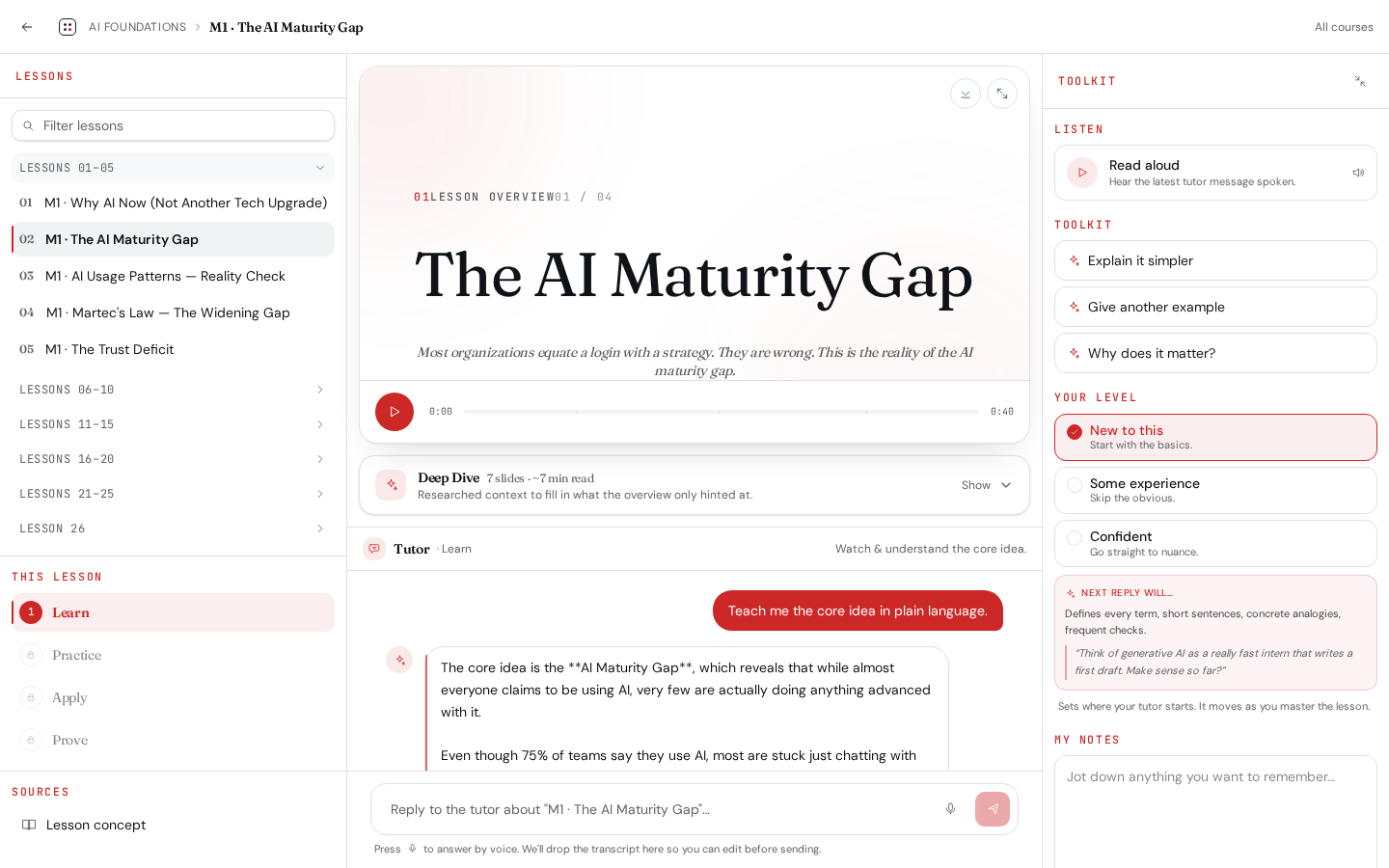
The AI Coach is scoped to the active lesson and the current stage's scenario. It pushes back on thin answers and won't hallucinate authority outside the curriculum.
- Stage-aware grounding (Practice case, Apply task, Prove rubric)
- Adjusts depth and analogy based on the learner's level
- Cites the section of the lesson it pulled from
Speak your reasoning. We grade the substance.
The mic lives in the chat input, where it belongs. Learners talk through their thinking; we transcribe and grade against the lesson's expected traits — not surface keywords.
- Whisper-grade transcription, in-line waveform
- Trait-based rubric scoring with coaching feedback
- Replay your answer to hear yourself reason
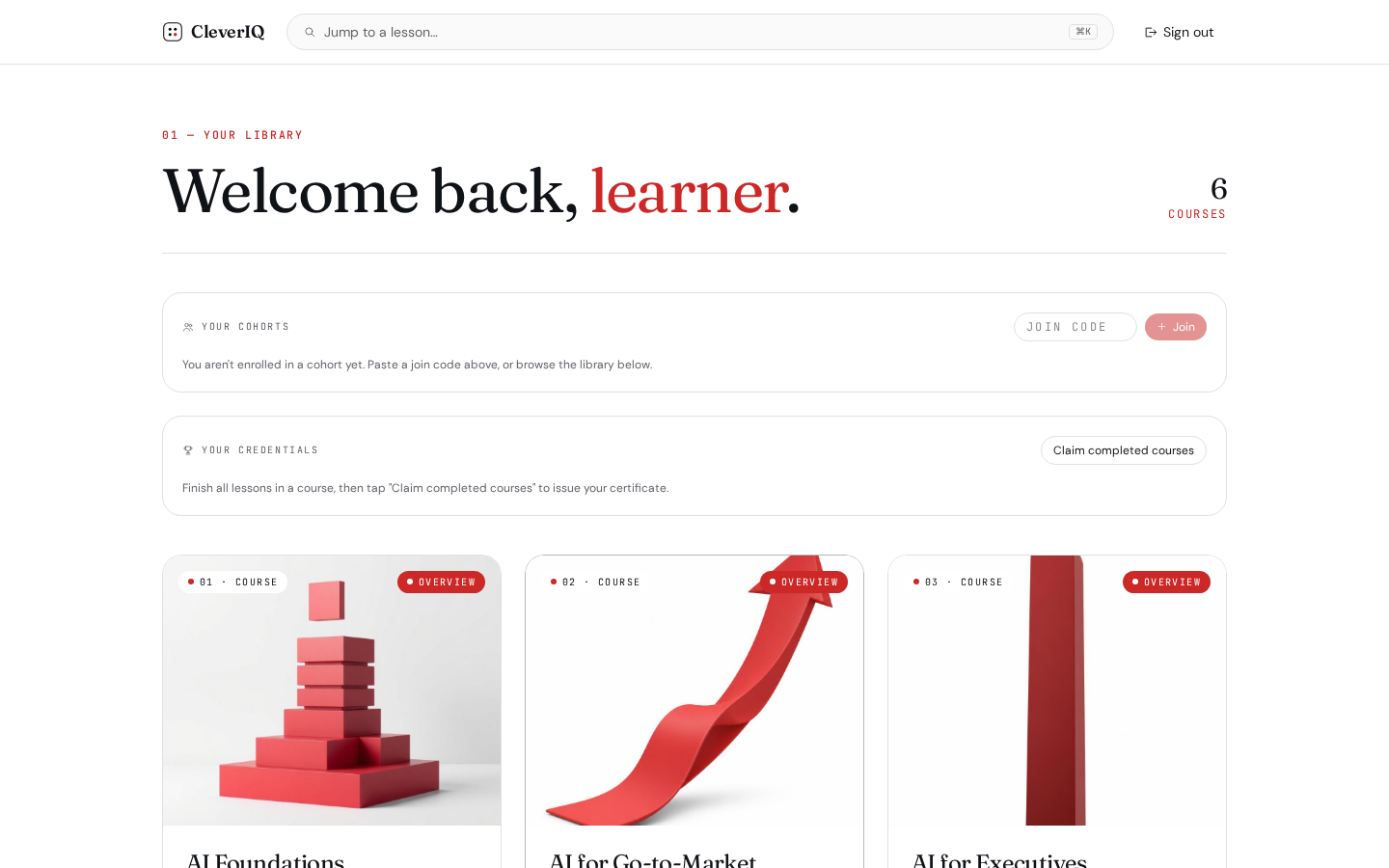
Author once. Deliver to cohorts at scale.
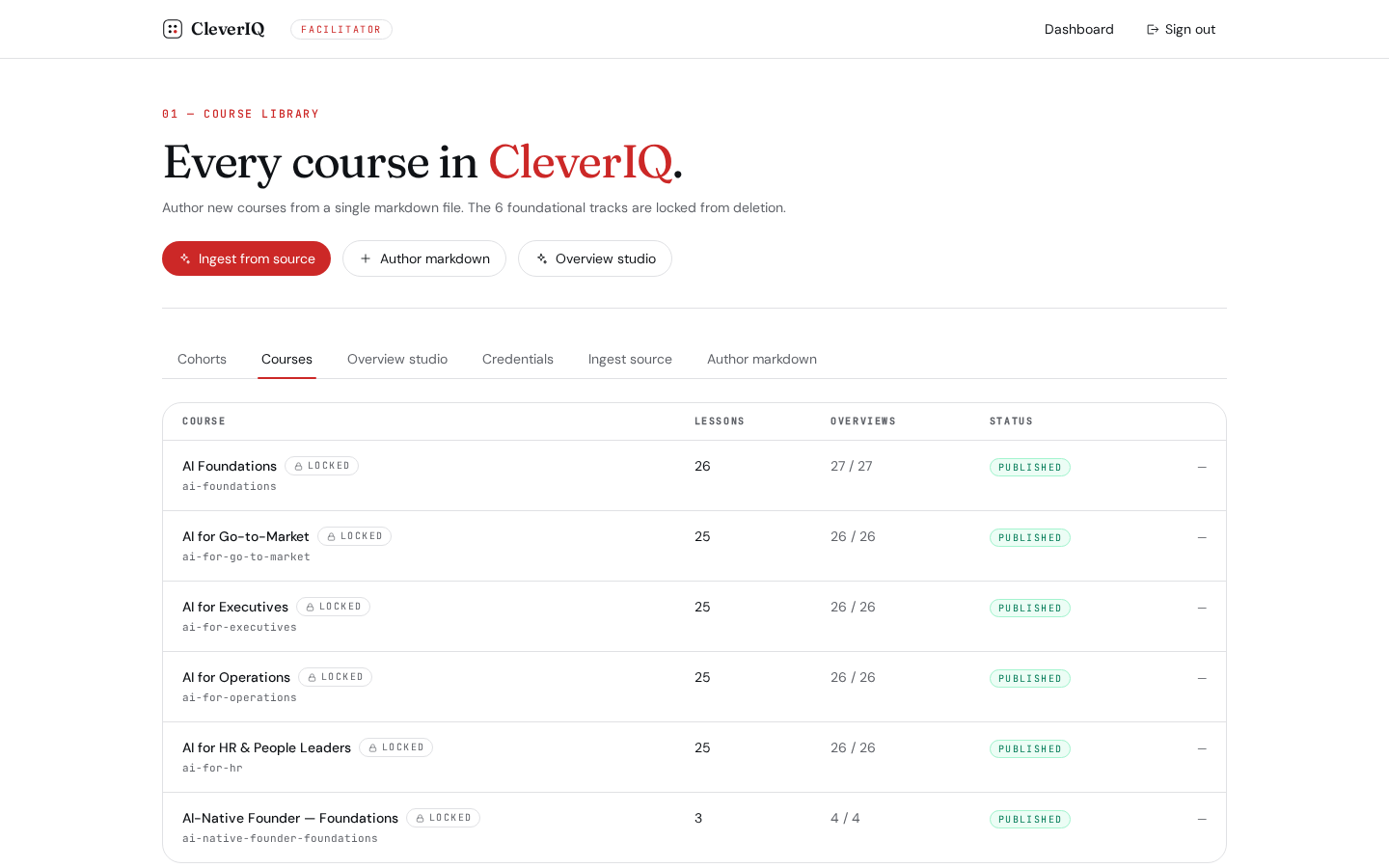
Author a course in markdown. Publish in minutes.
Facilitators write courses in markdown with YAML frontmatter and watch them validate live. Foundational courses are protected from accidental edits.
- Live preview, schema validation, slug uniqueness
- Protected foundational courses stay locked
- One-click publish to learners and cohorts
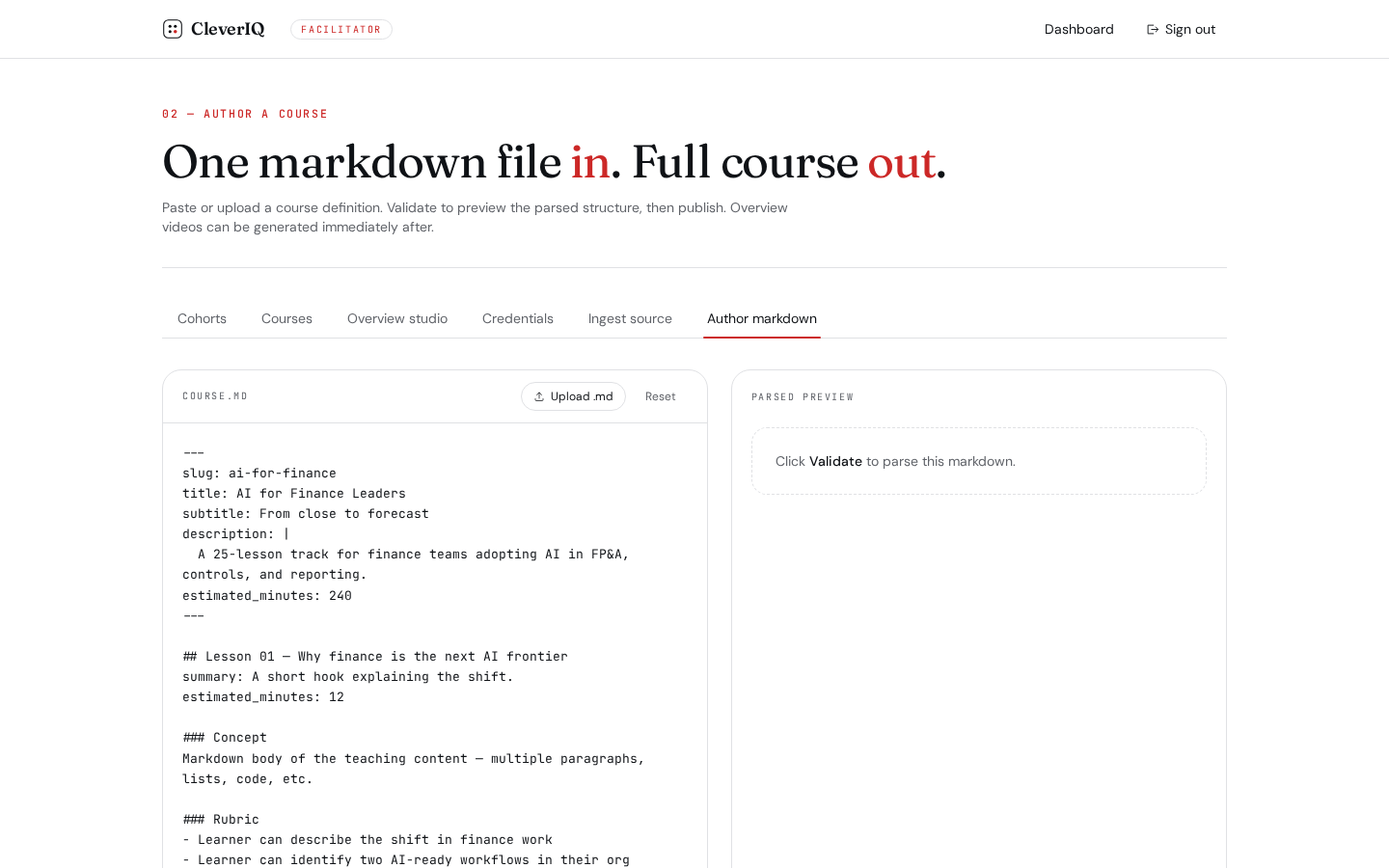
Drop in a PDF or URL. Get a publishable draft.
Paste a link, upload a deck, or drop in long-form text. Gemini structures it into lessons with learning objectives, then hands you a draft editor before anything ships.
- PDF, URL, and raw text ingestion
- Auto-structured lessons with objectives and rubrics
- Human-in-the-loop draft editor before publish
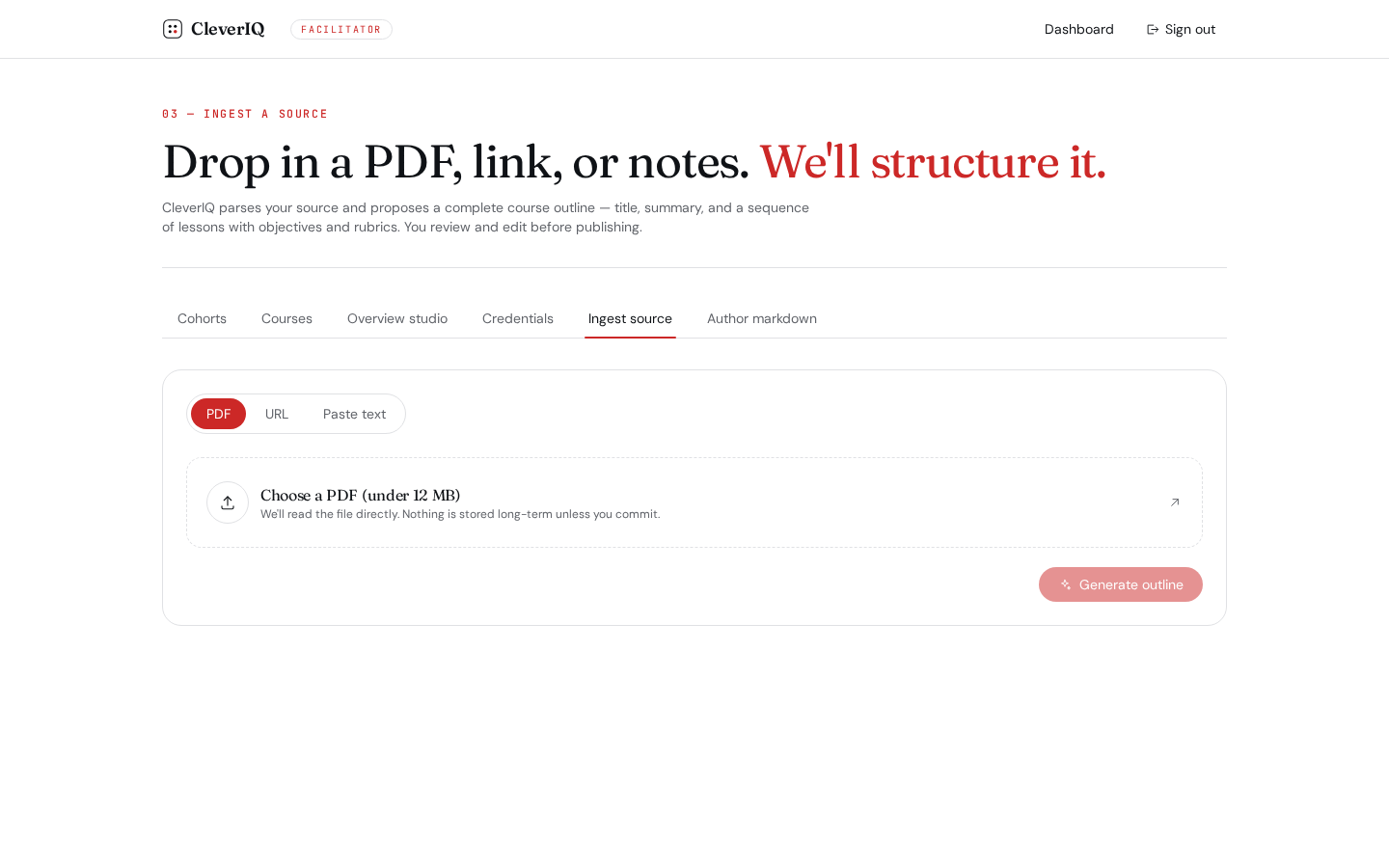
Generate, regenerate, and curate every video.
The Overview Studio groups every course's narrated overviews into collapsible decks so facilitators can review and regenerate at scale.
- Per-course accordion with expand/collapse all
- Inline regenerate with progress feedback
- Admin-only locks on foundational content
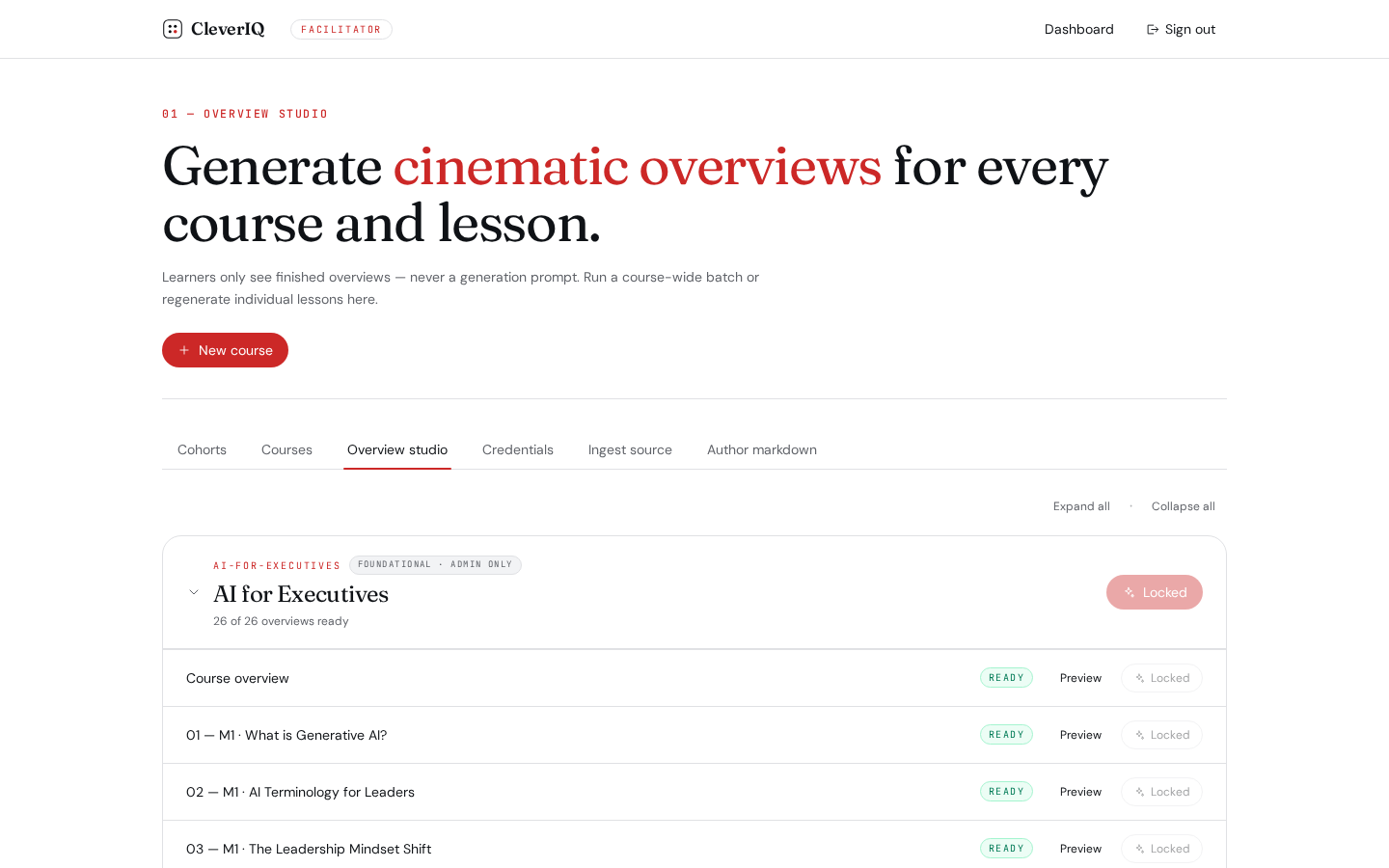
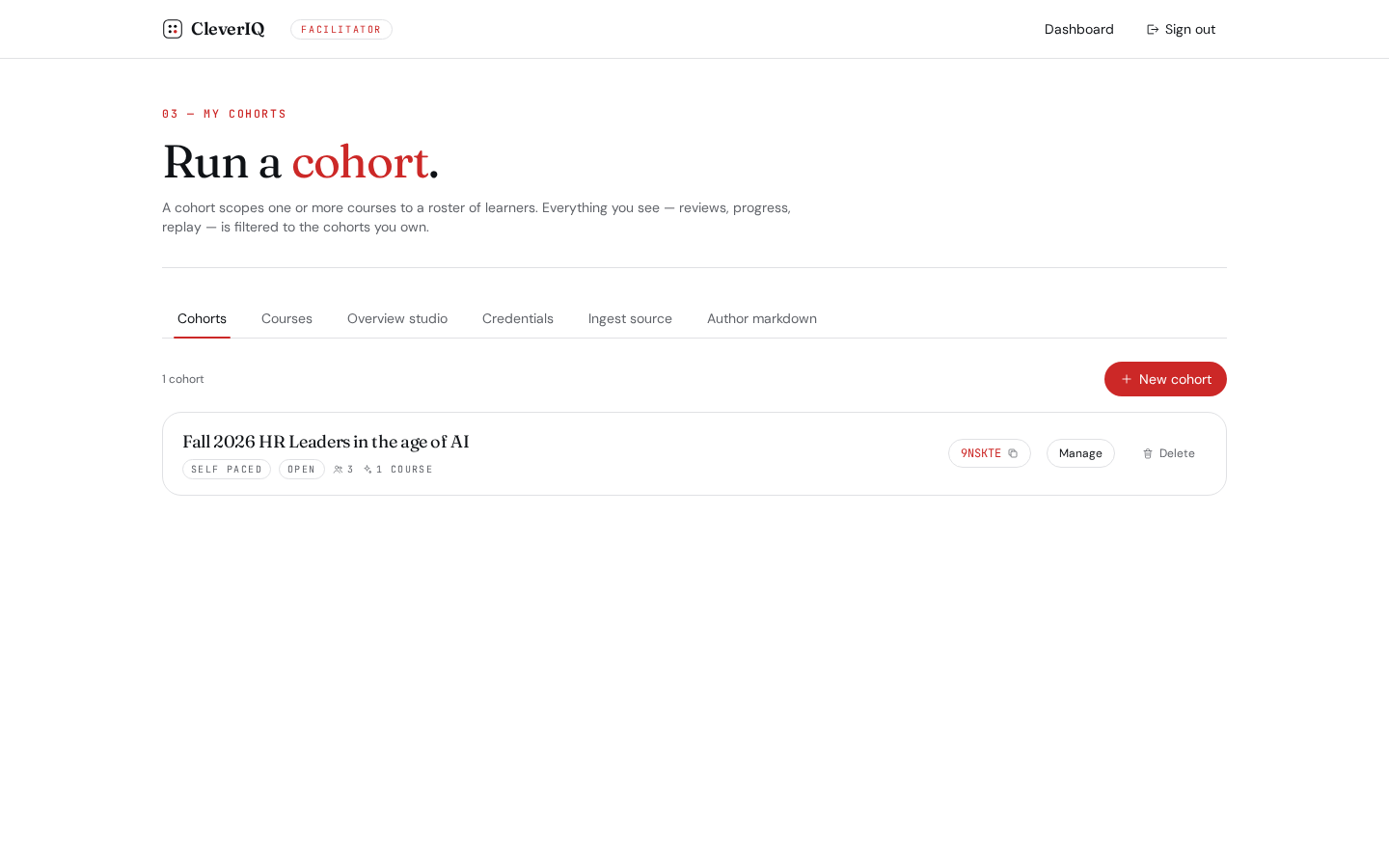
Invite a cohort. Track it from one place.
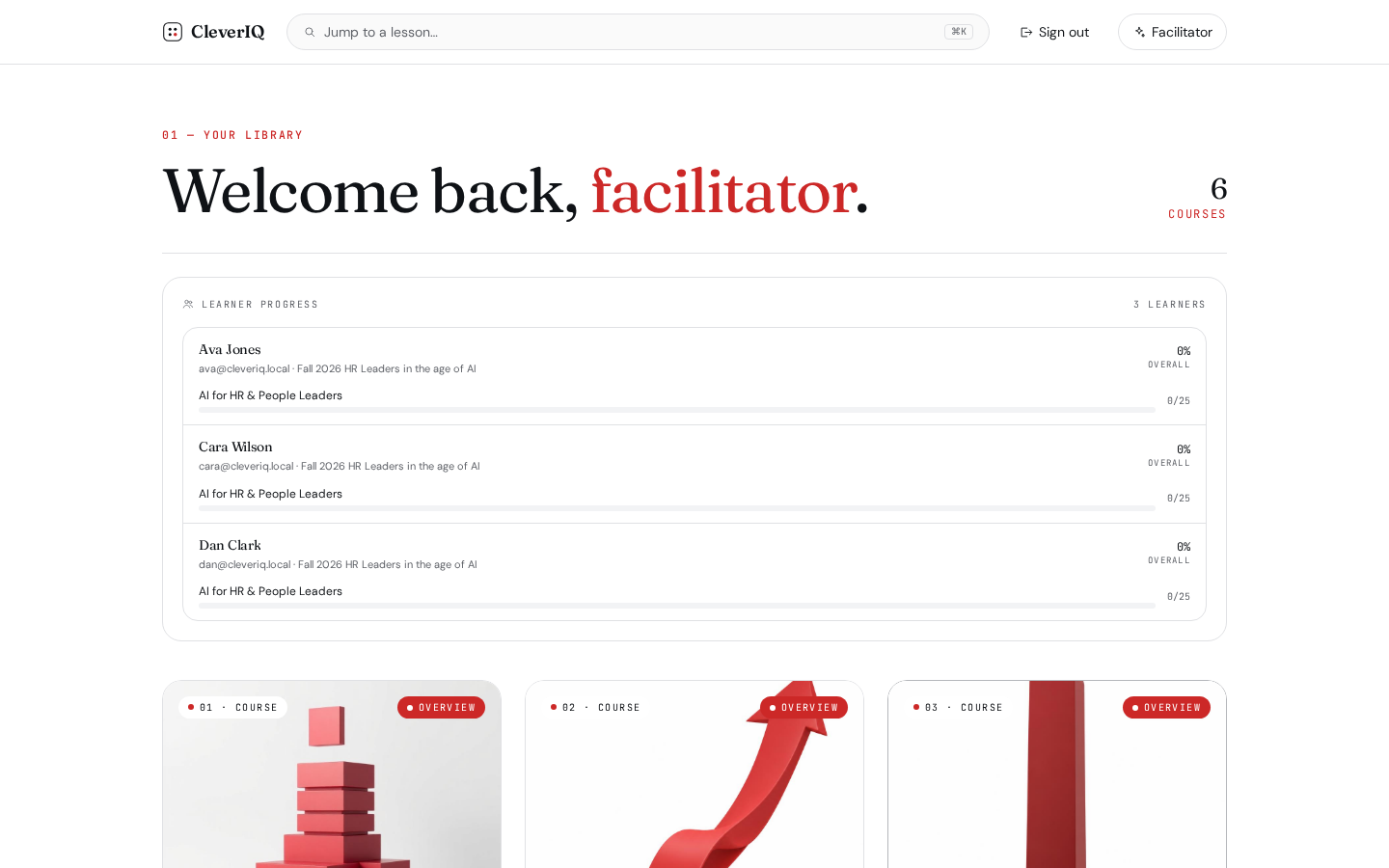
Spin up a cohort, send branded invites by email, or share a join link. Enrollment, progress, and completion roll up into a single facilitator view.
- Branded email invites via Lovable's email service
- Token-based join links with expiry
- Per-learner progress bar with completion badges
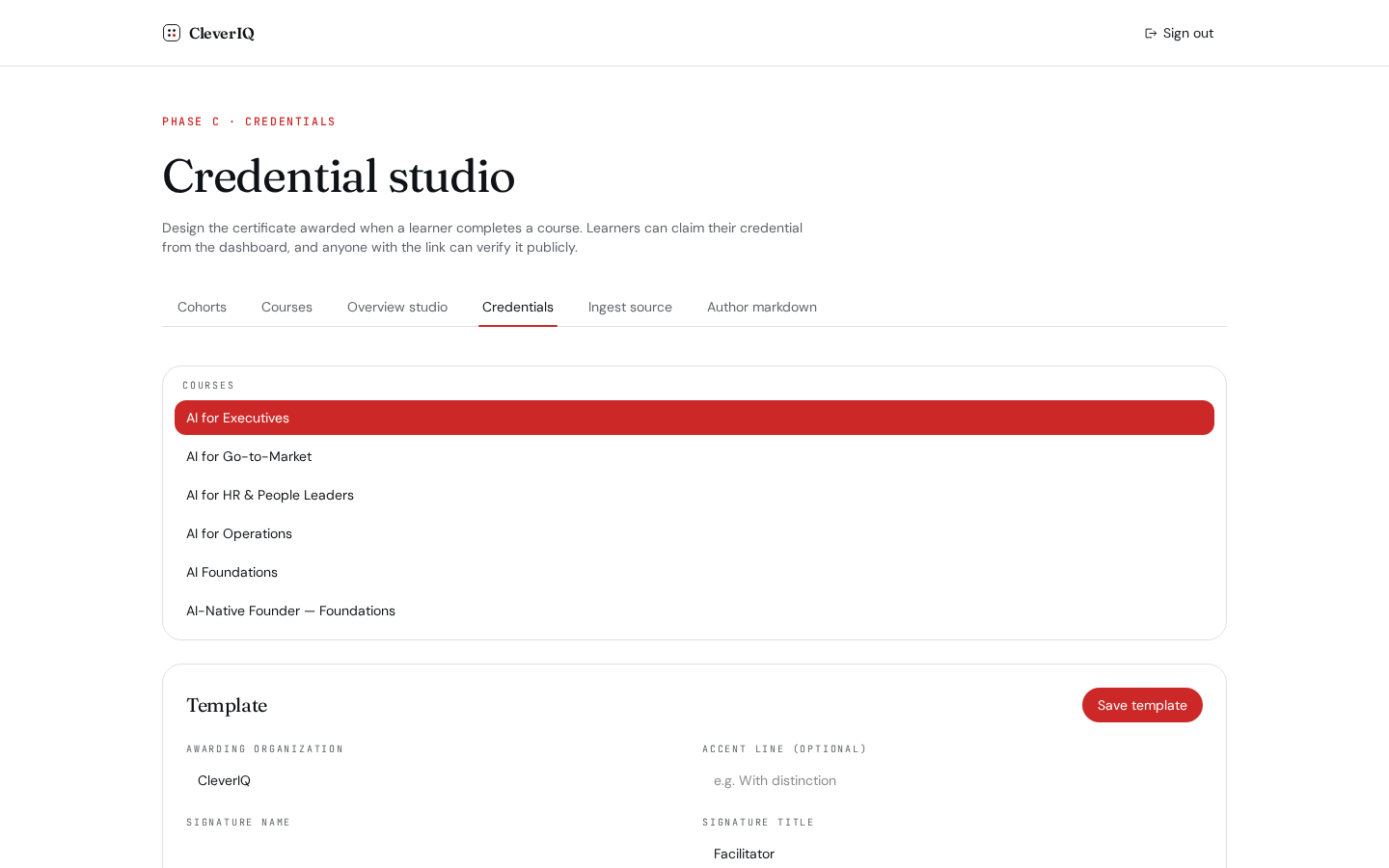
Issue credentials. Verify them publicly.
On 100% completion, learners claim a credential. Every credential has a public verification page so employers can check it without an account.
- Public /verify/$token pages, no login required
- Per-learner progress and completion badges
- Foundational and custom course credentials
The substrate underneath every interaction.
Per-lesson context window, citation-aware, level-adaptive.
Trait-rubric scoring of transcribed reasoning, not keyword bingo.
Learn → Practice → Apply → Prove. Progress is earned.
Anyone can verify a credential without an account.
PDF/URL/text → structured course draft in a single pass.
Invite by email or join link; track every learner's arc.